Fart Together Demo Won't Launch — 5 Fixes
If the Fart Together demo closes on startup or never opens a window, these five checks cover the causes we can verify: install integrity, GPU driver, overlays, antivirus, and the wrong Steam app.
Last updated:
Most 'demo won't launch' reports happen because the full game app has been queued instead of the free demo app, or because Steam file integrity needs verifying.
- Confirm you are trying to launch app 5208630 (the free demo) and not app 5117550 (the full game, releasing 29 October 2026).
- Verify local file integrity via Steam properties.
- Update your Windows PC graphics drivers and disable conflicting third-party overlays.
Doesn't apply when: Game-specific settings menus, controller support, and save behaviour are not confirmed by the developer.
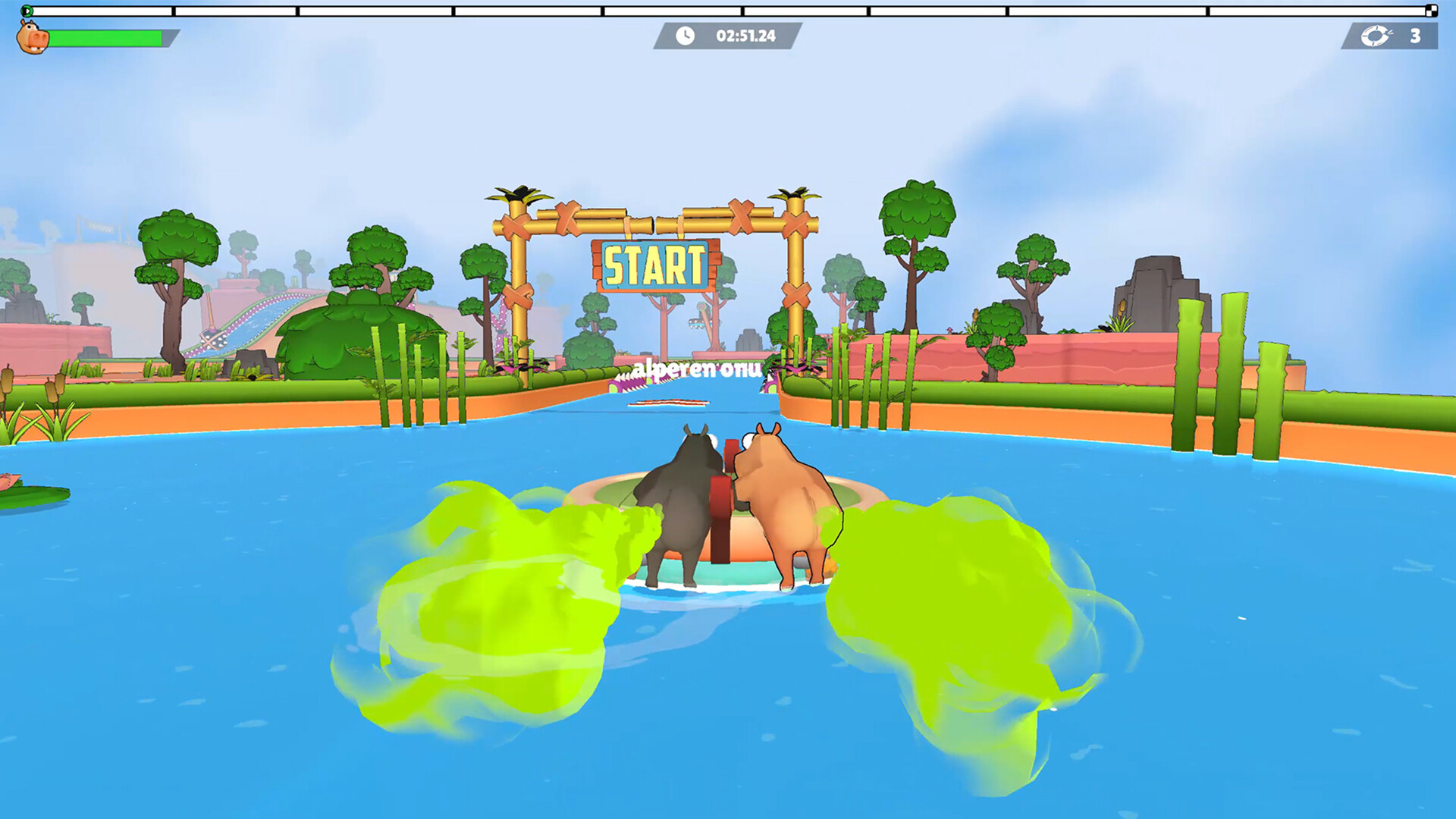
Source note: Everything on this page that describes the game comes from the official Steam listing and from our own sessions in the demo (app 5208630, checked 24 October 2026). Steps that belong to Windows or the Steam client are standard client behaviour, not game features. Where a fix would require a setting the developer has never documented, we say so instead of inventing a menu name.
Short answer
Start by confirming you installed the demo app and not the unreleased full game, then verify the install files in Steam. Those two account for most launch failures and cost nothing to check. Because Fart Together is a physics-based co-op raft game for Windows PC on Steam by GamesMrkt, ensuring your Steam client points to the correct distinct app ID prevents premature launch attempts.
Check these in order
| # | Symptom | Most likely cause | How to verify | Fix |
|---|---|---|---|---|
| 1 | Library button says unreleased or unavailable | You are trying to launch the full game (app 5117550) instead of the free demo (app 5208630) | Look at your Steam Library list to see if the title points to the unreleased full game scheduled for 29 October 2026 | Install and launch the separate free demo app (5208630) from Steam |
| 2 | Window flashes briefly then closes | Corrupted local installation files | Look at the Steam download queue or verify file integrity status | Right-click the app in your Steam Library, select properties, and verify integrity of game files |
| 3 | Nothing happens when clicking play | Outdated graphics card drivers on your Windows PC | Open your system display manager or GPU control panel to check driver version dates | Update your GPU drivers to the latest stable release provided by the manufacturer |
| 4 | Executable blocked on startup | Third-party antivirus software quarantining the executable | Check your antivirus quarantine or blocked history logs for recent blocks | Add an exclusion for the Fart Together installation folder in your antivirus software |
| 5 | Process running in background but no UI | Conflicting third-party display overlays | Look at your task manager for lingering app processes while third-party overlay software is running | Disable Discord, GeForce Experience, or other third-party overlays before launching |
When troubleshooting launch failures for Fart Together, the distinction between the demo and the full game is crucial. The free demo is a separate Steam app (5208630) from the full game (5117550, which releases on 29 October 2026). Trying to boot the full game app before its release date will result in a failure to launch, as the files are not yet playable.
Beyond app confusion, corrupted local files frequently prevent the physics-based co-op raft game from starting up on Windows PC. Running Steam's built-in file verification forces the client to re-download any missing or damaged files required by GamesMrkt. If problems persist, ensure your system meets basic runtime requirements, noting that specific in-game options are not confirmed by the developer.
If none of that worked
If verifying files, updating drivers, and checking your app ID do not resolve the launch failure, the cause may stem from unverified system interactions or deeper software conflicts outside our current knowledge. Because Fart Together relies entirely on Steam infrastructure—where 2-4 players share one inflatable raft and invites go through the Steam friends list without a separate account system or server browser—account-level Steam issues can occasionally disrupt startup routines.
When community fixes fail, you should consult Steam Support for diagnostic assistance with your Windows PC environment and Steam client installation. Game-specific settings menus and internal crash logs remain unconfirmed by the developer, making official platform support the most reliable path for persistent technical roadblocks.
Related
- Read about how to find which Steam app is real
- Learn how to invite and join friends through the Steam friends list
- Check the list of open questions regarding unverified features
What actually gets wiped when I clean reinstall Fart Together?
When players get desperate and decide to completely wipe Fart Together off their Windows PC, they usually wonder what a clean reinstall actually resets and what gets left behind. If you delete the game files and clear out the installation directory, you are primarily wiping the core executable files, local binaries, and any corrupted assets that might be causing your startup crashes. This process effectively resets the game's structural environment back to its default state, ensuring that any broken or modified files downloaded during a faulty patch are completely gone.
However, a standard local reinstall does not touch your broader Steam client data, cloud-synced account preferences, or external system configurations like your graphics driver cache and third-party antivirus exclusions. Because Fart Together relies entirely on Steam infrastructure for handling invitations and managing your library presence, your core platform association remains completely intact. Furthermore, because specific in-game menus, configuration files, and save behaviour are not officially confirmed by the developer, performing a brute-force deletion of the local folder might not clear out every residual cache file hidden deep within your user directories. If you want to ensure a truly thorough wipe before letting Steam download a fresh copy of app 5208630, you may need to manually inspect your system drives for lingering configuration folders left behind by GamesMrkt after the uninstallation process finishes.
Fart Together troubleshooting FAQ
Why won't the Fart Together demo start on my PC?
How do I know if I downloaded the right Fart Together demo?
Can I use redeem codes to fix Fart Together launch issues?
Does Fart Together require a separate account system to play?
Where do I report Fart Together bugs if the demo crashes?
Two related pages if the install itself is the problem: where the demo actually lives and how large the download is, which matters if the install is failing on disk space.
Related Guides
Can You Play Fart Together on Xbox? Platform Availability and Details
Looking to play fart together xbox? Learn about the current platform availability, system requirements, and physics-based co-op gameplay today.
Fart Together Controller Not Working? What We Can Confirm
Controller support in Fart Together is not documented by the developer. Here is what we could confirm, what we could not, and the Steam-level checks worth doing anyway.
Fart Together PS5 and Console Port Status: Will the Physics-Based Co-op Hit PlayStation?
Wondering if Fart Together is coming to PS5? Discover the latest platform details, release info, and the PC co-op physics hit by GamesMrkt.
Fart Together Size and System Requirements: What You Need to Know for PC Co-op Gameplay
Check the Fart Together size, storage requirements, and PC specs for the physics-based co-op game by GamesMrkt releasing on Steam.
Fart Together APK and PC Downloads: Finding the Official Game on Steam
Looking for the fart together apk? Discover how to access the official PC co-op game on Steam, system requirements, and what to expect from the demo.
Fart Together Demo: Everything You Need to Know About the Physics-Based Co-Op Hit
Explore the Fart Together demo on Steam! Learn how to download, coordinate with friends, and master the hilarious physics-based raft survival game.