Fart Together Controller Not Working? What We Can Confirm
Controller support in Fart Together is not documented by the developer. Here is what we could confirm, what we could not, and the Steam-level checks worth doing anyway.
Last updated:
Gamepad support in Fart Together is officially undocumented, meaning your controller might be ignored simply because the physics-based co-op raft game does not process gamepad inputs yet.
- Fart Together is a physics-based co-op raft game for Windows PC on Steam by GamesMrkt.
- The store listing does not document gamepad support, so controller behaviour is genuinely unknown.
- Steam settings handle input layers independently of the game executable.
Doesn't apply when: We have NOT verified game-specific settings menus, controller support, or save behaviour.
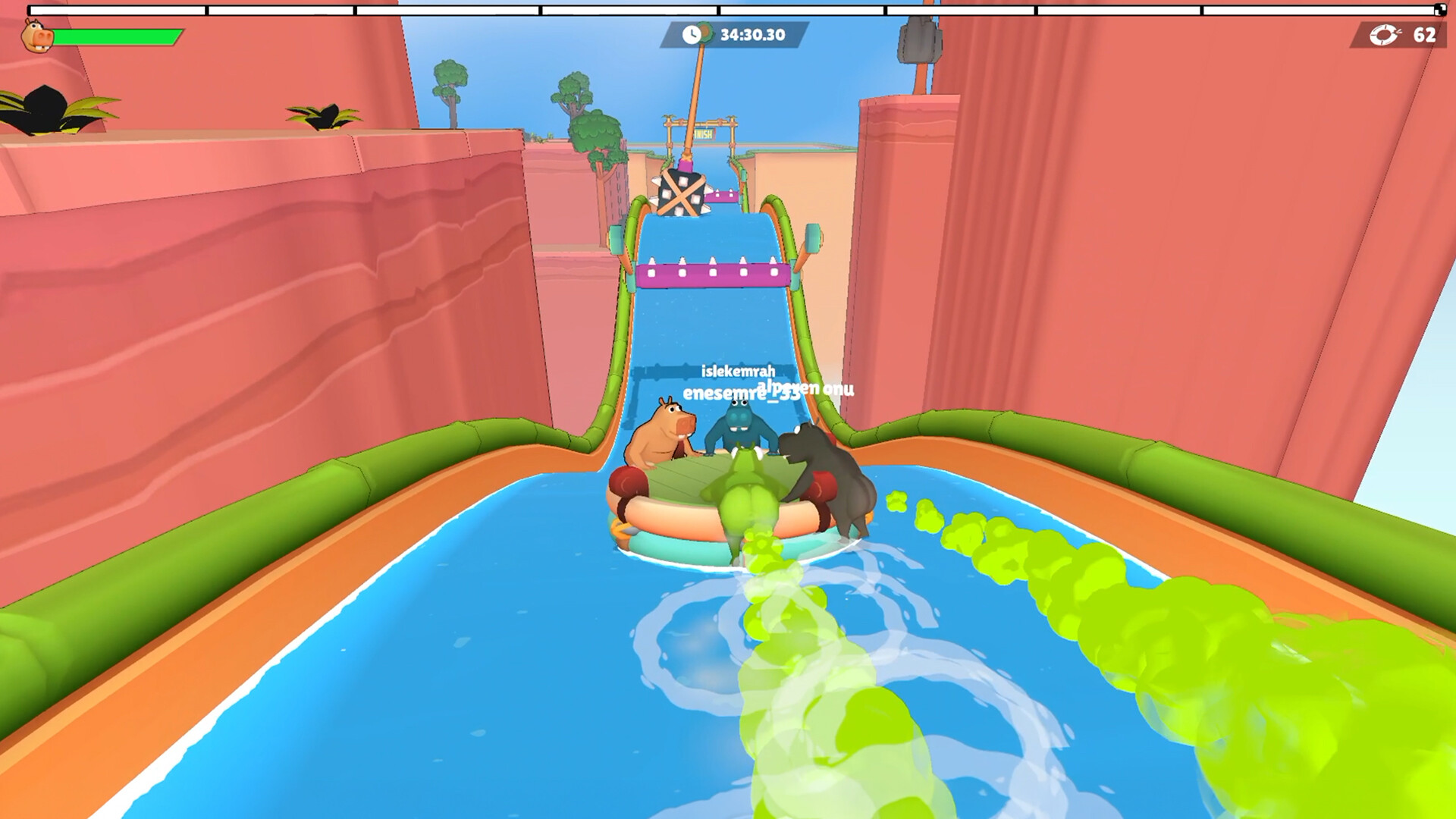
Source note: Everything on this page that describes the game comes from the official Steam listing and from our own sessions in the demo (app 5208630, checked 24 October 2026). Steps that belong to Windows or the Steam client are standard client behaviour, not game features. Where a fix would require a setting the developer has never documented, we say so instead of inventing a menu name.
Short answer
We could not confirm that Fart Together supports controllers at all — the store page does not list gamepad support. Before changing anything, check whether Steam itself sees the controller, because that layer is outside the game. If you are experiencing issues with other hardware, you can also consult our guide on Fart Together open questions for further details on unverified features.
Check these in order
| # | Symptom | Most likely cause | How to verify | Fix |
|---|---|---|---|---|
| 1 | Gamepad yields zero response | Game-side integration is absent | Look at the physical gamepad while launching the free demo (App ID 5208630) or full game (App ID 5117550); if no lights change, input is unread | Use Steam Input desktop configuration to map keys to the gamepad |
| 2 | Controller works in Steam Big Picture but not in-game | Steam Input override disabled | Open Steam Settings, look at the Controller tab, and observe if your specific device model is listed as detected | Enable Steam Input globally for all titles |
| 3 | Friends list overlay blocks input | Steam overlay focus loss | Press Shift+Tab and look to see if the Steam friends list interface remains active on screen | Close the Steam friends list overlay manually |
| 4 | USB device dropouts | Faulty port or driver hang | Open Windows Device Manager and watch if the gamepad entry refreshes or shows a yellow warning triangle | Unplug the USB cable and plug it into a different port |
| 5 | Missing files after demo transfer | Corrupted local cache | Check the Steam download queue to see if App ID 5208630 or 5117550 shows verification errors | Verify integrity of game files through Steam |
When attempting to play a physics-based co-op raft game for Windows PC on Steam by GamesMrkt, realizing your gamepad does nothing can be frustrating. Because the store listing does not document gamepad support, controller behaviour is genuinely unknown rather than broken. Unverified with the phrase "not confirmed by the developer", internal game settings might simply lack native joystick bindings.
If Steam Big Picture mode registers your inputs successfully, the disconnect happens where the executable reads hardware events. Since invites go through the Steam friends list and there is no separate account system and no server browser, your Steam client layer remains the most reliable place to force compatibility bindings before launching the title. Players wanting to test multiplayer aspects can also review our guide on Fart Together how to join friends.
If none of that worked
Some causes for hardware unresponsiveness remain entirely outside our knowledge, especially given that the full game releases 29 October 2026 and we have NOT verified game-specific settings menus, controller support, or save behaviour. If basic input mapping fails to resolve your issue, you can check whether your software version matches the correct guide on Fart Together which is real to ensure you are not running mismatched demo and full game binaries.
When community troubleshooting reaches a dead end, you should use Steam Support instead of a fan wiki to report account, client, or purchase-related issues. Remember that there are no redeem codes, so any platform-specific purchase queries must also go through official storefront channels rather than third-party helpers.
Related
- /guide/fart-together-which-is-real
- /multiplayer/fart-together-how-to-join-friends
- /guide/fart-together-open-questions
Why does Steam Input make my working controller look broken in Fart Together?
When you plug in a gamepad that works perfectly in the Steam client, it can suddenly appear completely dead in a title that expects raw input. This happens because Steam Input acts as a translator layer that intercepts your physical hardware signals and remaps them into virtual inputs. If a title is programmed to look exclusively for direct, raw hardware inputs from a specific type of device, it will completely ignore the virtual device being fed to it by Steam.
Instead of recognizing your device natively, the executable receives a data stream it does not understand, resulting in zero movement or camera response. This mismatch is especially common with titles that lack official, native controller integration, as developers often build their input systems to read basic Windows drivers directly rather than parsing complex wrapper configurations.
When Steam tries to force its own overlay mapping onto an application that has no built-in logic for it, the two systems conflict. Your device might light up and function normally in menus, but the moment you load into an active session, the game refuses to listen. Disabling Steam Input for that specific title forces the software to look at your raw hardware signals instead of the translated virtual stream. While this will not magically add controller support if the underlying code is missing, it ensures that your physical inputs are not being blocked or misinterpreted by an aggressive translation layer standing between your USB port and the application executable.
Fart Together troubleshooting FAQ
Does Fart Together officially support Xbox or PlayStation controllers?
Why is my gamepad not working in the Fart Together demo?
Can I fix Fart Together controller issues through an in-game menu?
Where should I report bugs if Fart Together ignores my hardware?
Does Fart Together require special controller software to run?
For reference, the download size and requirements page covers what the store actually lists, and how to play covers the input model the game is built around.
Related Guides
Can You Play Fart Together on Xbox? Platform Availability and Details
Looking to play fart together xbox? Learn about the current platform availability, system requirements, and physics-based co-op gameplay today.
Fart Together Demo Won't Launch — 5 Fixes
If the Fart Together demo closes on startup or never opens a window, these five checks cover the causes we can verify: install integrity, GPU driver, overlays, antivirus, and the wrong Steam app.
Fart Together PS5 and Console Port Status: Will the Physics-Based Co-op Hit PlayStation?
Wondering if Fart Together is coming to PS5? Discover the latest platform details, release info, and the PC co-op physics hit by GamesMrkt.
Fart Together Size and System Requirements: What You Need to Know for PC Co-op Gameplay
Check the Fart Together size, storage requirements, and PC specs for the physics-based co-op game by GamesMrkt releasing on Steam.
Fart Together APK and PC Downloads: Finding the Official Game on Steam
Looking for the fart together apk? Discover how to access the official PC co-op game on Steam, system requirements, and what to expect from the demo.
Fart Together Demo: Everything You Need to Know About the Physics-Based Co-Op Hit
Explore the Fart Together demo on Steam! Learn how to download, coordinate with friends, and master the hilarious physics-based raft survival game.