Fart Together Stuck on a Loading Screen? Check These
A Fart Together lobby that never finishes loading is usually a network or Steam-session problem. These five checks go from cheapest to most invasive.
Last updated:
A Fart Together loading screen freeze is typically caused by a desynced Steam session layer between peers rather than a heavy server computation.
- There is no server browser or separate account system.
- All multiplayer traffic relies entirely on Steam friends invites and sessions.
- Both players and hosts must ensure their Steam client is fully responsive.
Doesn't apply when: Game-specific settings menus and save behaviour are not confirmed by the developer.
Source note: Everything on this page that describes the game comes from the official Steam listing and from our own sessions in the demo (app 5208630, checked 24 October 2026). Steps that belong to Windows or the Steam client are standard client behaviour, not game features. Where a fix would require a setting the developer has never documented, we say so instead of inventing a menu name.
Short answer
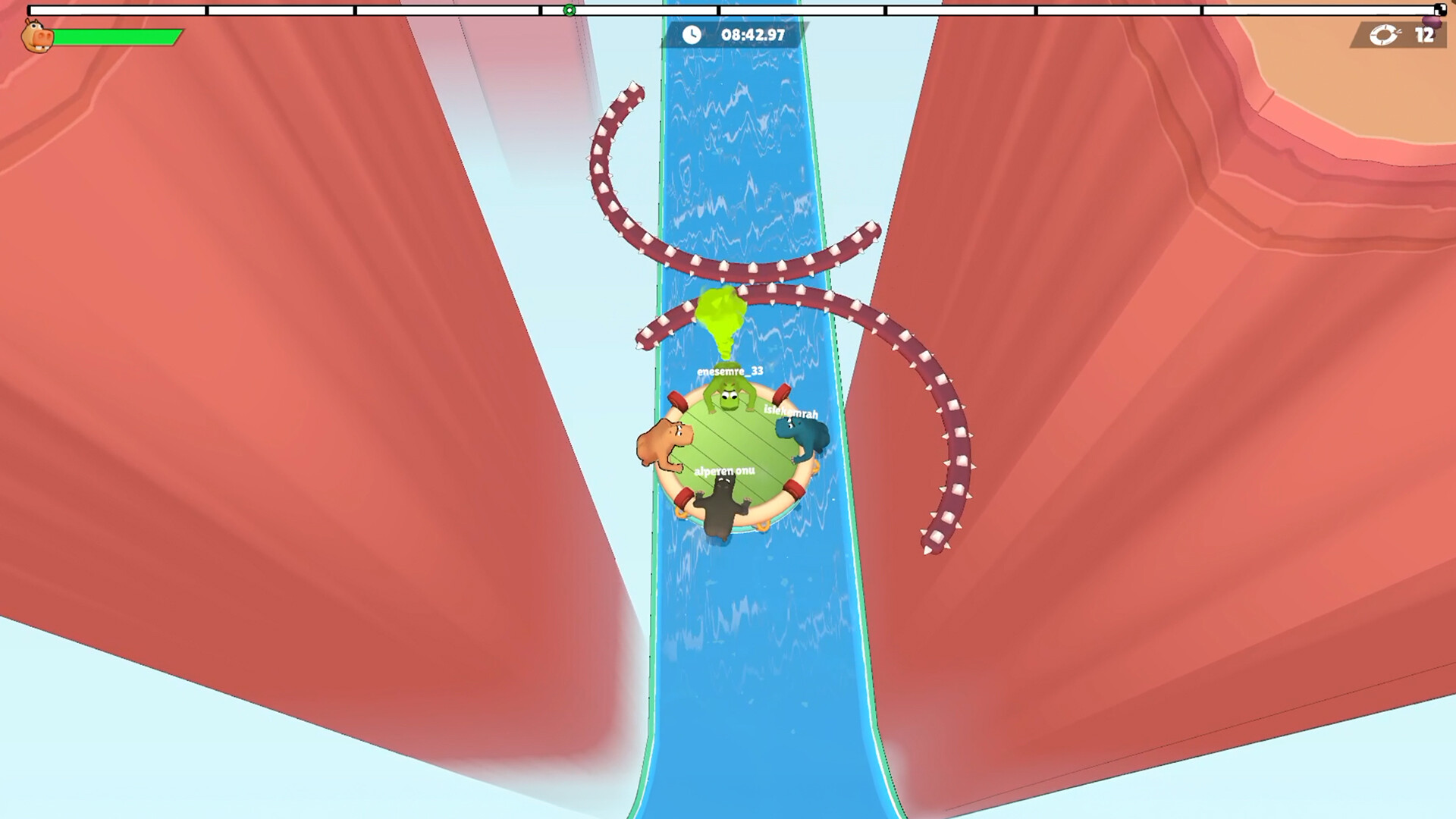
Most of the time the lobby is waiting on Steam, not on the game: one player's session has gone stale. Have everyone restart the Steam client, not just the game, then re-form the lobby. This resets the peer-to-peer handshake required when 2-4 players try to share ONE inflatable raft on Windows PC.
Check these in order
| # | Symptom | Most likely cause | How to verify | Fix |
|---|---|---|---|---|
| 1 | Infinite loading when joining via friends list | Unverified game settings conflict | Look at the screen where inputs stop responding and check whether the game does not document any relevant toggle in an unverified menu. | Restart the game application completely and re-issue the Steam invite. |
| 2 | Stuck at 0% or initial splash loading screen | Stale Steam session layer | Look at the Steam friends list overlay and observe if your status shows you as offline or stuck in an unresponsive session. | Fully close Steam from the system tray and relaunch it to refresh the underlying transport layer. |
| 3 | Lobby fails to progress after loading screen starts | Packet drop between peers | Look at task manager network performance to see if data transmission drops to zero bytes per second during the load sequence. | Verify your local firewall and network router are not blocking peer-to-peer Steam traffic. |
| 4 | Windows PC freezing entirely during map load | Operating system resource limitation | Look at system memory and CPU utilisation graphs in Windows to see if physical RAM is fully exhausted. | Close background applications on Windows PC before launching the physics-based co-op raft game. |
| 5 | Persistent infinite loading on every single connection attempt | Corrupted local installation files | Look at the local Steam game installation directory and observe if any files fail integrity verification. | Reinstall the physics-based co-op raft game for Windows PC on Steam. |
Because Fart Together is a physics-based co-op raft game for Windows PC on Steam by GamesMrkt that lacks any separate account system or server browser, invite stability depends entirely on Steam. When Check 1 occurs, game-specific settings menus are not confirmed by the developer, meaning you cannot rely on in-game toggles to fix lobby handshakes. Instead, you must look outside the game client.
For Check 2, because invites go through the Steam friends list directly, a desynced friend status will strand the loading sequence indefinitely. Looking at your Steam friends list overlay reveals whether your peers are actually connected to the same Steam network node. Restarting the Steam client forces a fresh authentication token exchange across all participants sharing the inflatable raft.
If none of that worked
When basic client and Steam restarts fail to resolve an infinite loading screen, the issue may stem from deeper network routing anomalies or temporary outages on Steam's backend session servers. Because Fart Together features 2-4 players sharing one inflatable raft where every player's input acts on the same raft, minor packet loss between any single peer can halt the entire synchronization process. Exact underlying causes beyond the Steam session layer remain not confirmed by the developer, so further advanced network diagnostics may require trial and error.
If the problem persists across multiple sessions and re-installs, you should use Steam Support to troubleshoot broader Steam overlay and P2P connection issues. A fan wiki cannot fix account-level transport errors or platform distribution bugs originating from the Steam client itself.
Related
Why does Fart Together look stuck to the host versus the joining player?
A stale Steam session looks completely different depending on which side of the lobby you are on, which can make diagnosing the freeze confusing. From the lobby host's perspective, everything often looks normal right up until the moment of failure. The host might see the joining player's name appear in the lobby roster, and the game screen might even progress past the initial splash menu without any obvious error messages. However, because the underlying peer-to-peer transport handshake has silently dropped packets or timed out, the host's game client will simply wait indefinitely for data that never arrives, leaving the lobby stranded in limbo on a static loading background.
Meanwhile, from the joining player's side, the symptom usually manifests much earlier or with a jarring disconnect. The joining player might watch the loading progress bar crawl to a certain percentage and then freeze completely, or worse, their screen might lock up entirely while the Windows PC task manager shows network transmission dropping flat to zero. The joining player's Steam friends overlay might still show them as active in a game session, even though their client has lost synchronization with the host's instance. Because 2-4 players must share one inflatable raft where every physics input relies on instantaneous state sharing, this asymmetrical view of a stale session means one player is staring at a normal-looking menu while the other is trapped in a loading screen purgatory.
Fart Together troubleshooting FAQ
Why does Fart Together get stuck on the loading screen?
Is there a server browser for Fart Together multiplayer lobbies?
How do I fix infinite loading when joining a Fart Together game?
Does the Fart Together free demo cause loading screen issues?
Where can I find settings to fix Fart Together loading screens?
If the lobby never forms at all rather than hanging, the co-op setup walkthrough is the better starting point; our player-count samples show whether anyone is online to join.
Related Guides
Fart Together Discord Community and Steam Co-Op Game Guide for Players
Join the Fart Together Discord and jump into the chaotic 2-4 player physics-based Steam co-op game by GamesMrkt releasing October 29, 2026.
Fart Together Friends Can't Join? 5 Things to Check
A friend can't join your Fart Together raft? Work through these five checks in order, from the cheapest fix (Steam friends list) to the last resort (network).
Fart Together Game Online: The Ultimate Physics-Based Co-Op Raft Adventure on Steam
Discover the fart together game online by GamesMrkt. Learn how 2–4 players steer a shared raft using physics-based gas propulsion in co-op.
Fart Together How to Join Friends: Ultimate Co-Op Setup Guide for the Physics-Based Raft Adventure
Learn fart together how to join friends in GamesMrkt's physics-based co-op party game. Discover online multiplayer setup, system specs, and raft tips.
Fart Together How to Play Multiplayer: A Complete Guide to Co-Op Raft Physics and Teamwork
Learn fart together how to play multiplayer with friends in this physics-based indie co-op game. Master raft controls, timing, and chaotic team tactics.
Fart Together Play Together: The Ultimate PC Co-Op Raft Survival Experience on Steam
Discover Fart Together play together mechanics, system requirements, and physics-based co-op gameplay for PC. Get ready to steer rafts with friends.